Open-D User Guide
Everything you need to understand and get the most out of your AI Diabetes Agent.
The demo may not reflect the latest app version.
Open-D is not an AI wrapper. We stand publicly against them.
An AI wrapper is an app that takes a general-purpose AI — ChatGPT, Claude, Gemini — wraps it in a thin interface, slaps a health logo on it, and charges a subscription. You ask a question. It sends it to their servers. You get a generic answer. The AI has no memory of your glucose history, no access to your actual data, and no understanding of what happened at 3am when your sensor alarmed. It knows only what you type in that single message.
In most domains this is just lazy product development. In diabetes management it is dangerous. A person with T1D making insulin decisions based on advice from an AI that cannot see their real data, cannot remember yesterday, and has no understanding of type 1 diabetes is a person at risk. Hypoglycaemia can be fatal. The stakes are not abstract.
We are not an AI wrapper. We are a purpose-built AI Diabetes Agent with real skills and tools that calculate on your actual data — never hallucinating, never guessing. That distinction is everything.
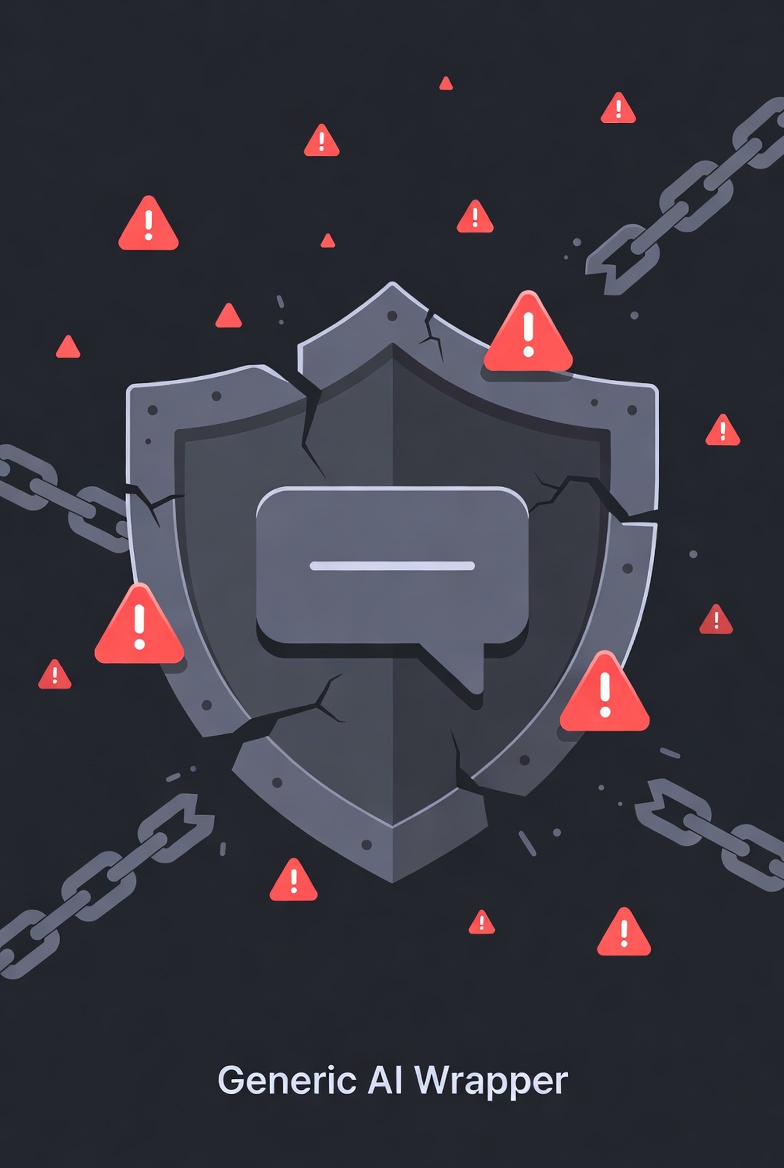
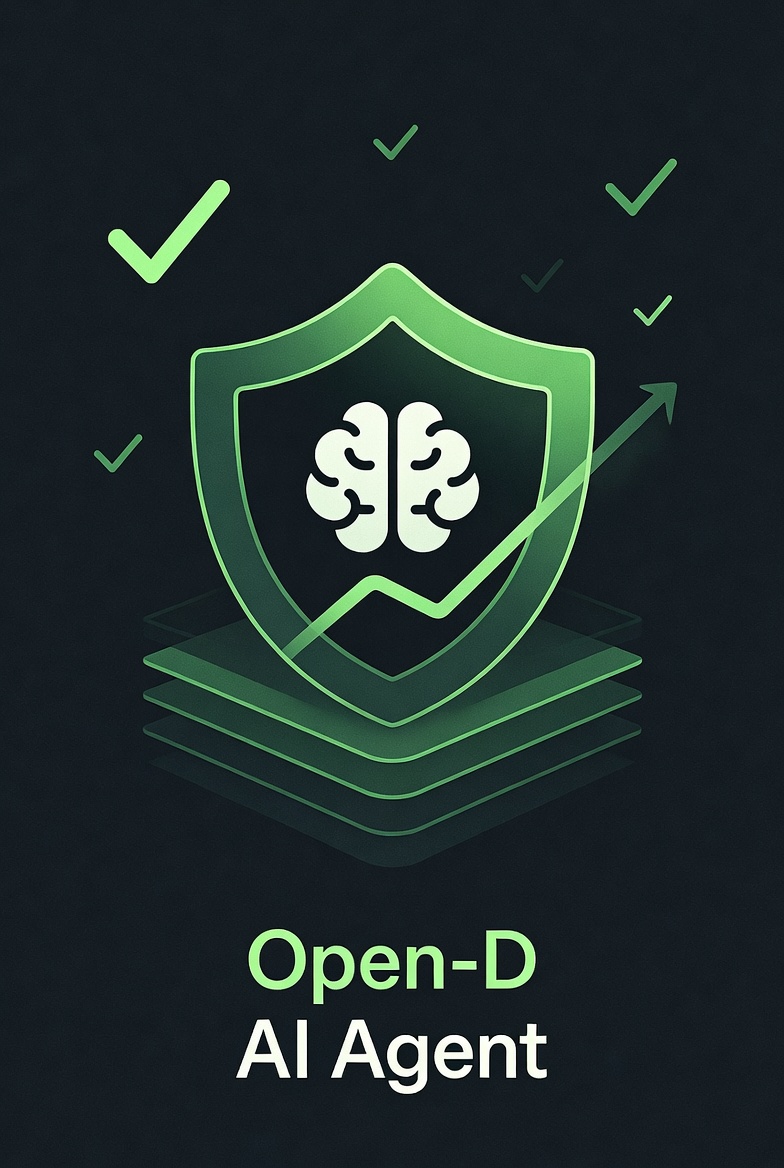
AI wrapper
- — General-purpose AI with no medical context
- — No access to your real glucose data
- — No memory between sessions
- — No safety systems or alert logic
- — Advice based on what you type, not what is happening
Open-D
- ✓ Lives on-device, reads your CGM every 60 seconds
- ✓ Persistent memory of your patterns over time
- ✓ Context includes glucose, meals, insulin, sleep, workouts
- ✓ Night Watch safety system built into the core
- ✓ Built by a T1D founder, for people with T1D
Your live glucose view, trends, and quick actions
Plan activities and let the agent learn what works
Two tabs — Tools for daily logging and Insights for reviewing your data
Six companions, each with a distinct personality and approach
Personalized insulin dosing based on your personal data
Sleep safety with an escalating alert sequence
Connecting Libre 3 and Dexcom G6/G7
Local-first architecture, no cloud accounts required
Apple Watch, Android Watch, and home screen widgets
SMS escalation with location when alerts go unanswered
Encrypted backup to keep your history recoverable
Track your menstrual cycle alongside your glucose
Dashboard
The Dashboard is the home screen of Open-D. It is designed to give you a complete picture of your current state in one glance — glucose, trends, active insulin, food still absorbing, and your AI Agent — without requiring you to navigate anywhere.
Header
Three elements span the top of the screen. On the left, the 🧰 toolbox button opens the Utilities Hub. In the centre, the Open-D wordmark. On the right, your active agent's icon — single tap opens the AI chat, double tap opens Quick Actions.
Swipe hints below the header remind you that swiping left takes you to Utilities and swiping right takes you to your agent.
Quick Actions
Double-tapping the agent icon opens a Quick Actions panel — six context-aware shortcuts that open a pre-loaded conversation with your agent for the most common situations you face in a day.
Vitals
Two cards sit side by side below the header.
🩸 Glucose
Your current reading in mg/dL, updated live from your CGM. Colour-coded: green (70–180, in range), red (below 70), orange (above 180). A trend arrow sits next to the number — ↑↑, ↑, ↗, →, ↘, ↓ — and a timestamp shows how fresh the data is. Tap the card to force a refresh.
❤️ / 🫁 Heart or Respiratory rate
Android shows heart rate (bpm) from Health Connect. iOS shows respiratory rate (breaths/min) from Apple Watch. Tap to sync the latest reading.
Active Effects
A card showing what is currently active in your body: insulin on board (split between bolus and basal), any active food still being absorbed with carbs remaining and time left, and food you have pre-logged but hasn't started absorbing yet. This gives you a live picture of where your glucose is likely heading in the next hour.
Trend & Daily Summary
A swipeable card with two pages. Scroll up or down to switch.
Glucose Trend
Four columns: 5m, 15m, 30m, 60m. Each shows a direction arrow and the slope in mg/dL over that window. Useful for reading whether a correction is working or a meal is still active.
Daily Summary
Four stats for the day so far: average BG, time in range (%), steps, and net calories. Swipe the card up to see this page.
Quick Log
Three primary log buttons are always visible. Additional buttons (Weight, Blood Pressure, Temperature) appear if enabled in Settings. Manual glucose entry has moved to the Utilities Hub.
AI Agent card
A card showing your active agent's name and icon, along with their latest message or insight. Tap anywhere on the card to open the full AI chat.
Contextual alerts
Additional cards appear on the Dashboard only when relevant:
- 🌊Missed Basal — Shows if a scheduled basal dose is overdue. Tap to log it.
- 🍺Alcohol Delayed Hypo Risk — Appears if alcohol was logged within the last 12 hours, warning about delayed hypoglycaemia risk. Includes a button to clear the alcohol state.
- 🌅Dawn Phenomenon — Appears when a morning glucose pattern is detected. Tap for details.
My Schedule & Learning Loop
My Schedule lets you plan any recurring activity — workouts, meals, or custom events — and receive AI coaching before, during, and after. Over time, the agent learns what works for your body and gets smarter with every event.
Schedule an activity with a date, time, and recurrence. Before it starts, the agent sends a proactive nudge with glucose advice tailored to the activity. After it ends, a follow-up asks how it went. The agent stores the outcome and uses it to improve future coaching for similar activities.
Recurring events
Weekly, daily, or one-off activities with native date and time pickers.
Pre-event coaching
The agent suggests glucose adjustments before you start — based on the activity type and your historical patterns.
Post-event follow-up
An automatic check-in 30 minutes after the event to learn what worked and what didn't.
Event insights
See patterns across all your activities and discover what improves your glucose control.
Utilities Hub
The Utilities Hub is your command centre. It's organised into two tabs — ⚡ Tools for daily logging and 📊 Insights for reviewing your data. Tap the 🧰 button on the Dashboard or swipe right to open it. Long-press any tile to pin it to the top for faster daily access.
🛠️ Everyday Tools
My Schedule
Plan workouts, meals, or any recurring activity. Your agent coaches you before, checks in after, and learns what keeps you in range.
Inbox
All your notifications in one place — not random buzzes, but contextual coaching your agent sends when something actually matters.
Manual Entry
Missed logging something? Add it later so your agent's memory stays complete and its advice stays accurate.
🍽️ Food & Nutrition
Cooking
Diabetes-aware cooking assistant. Get recipe suggestions based on your current glucose and the ingredients you have on hand.
Shopping
Grocery lists with AI chat suggestions for diabetes-friendly alternatives based on what actually works for your glucose.
Log Alcohol
Log drinks to track delayed hypo risk. Night Watch automatically extends monitoring and warns you about alcohol-related lows.
🩺 Health
Gym
Log workouts with pre/post glucose. Your agent learns how exercise affects YOU and adjusts future recommendations.
Sleep
Track sleep stages and quality. Your agent correlates sleep with glucose patterns to find what rest works best.
Illness
Log symptoms during sick days. SmartDose automatically applies illness multipliers when you're unwell, keeping your dosing safer.
Body
Track weight, measurements, and progress photos. See how body changes correlate with glucose trends over time.
🦈 Open-D Agent
Dosing
Review how your insulin doses have been landing. Your agent shows patterns and suggests refinements.
Patterns
Discovered glucose patterns ranked by confidence. Your agent finds connections you might miss.
About You
The AI memory editor — what your agent knows about you. Edit and save directly.
Agent Log
See every insight and decision your agent made. Full transparency into how it thinks.
📅 Schedule Insights
Event Patterns
See which activities improve your glucose and which don't. Your agent ranks events by their impact on your control.
📋 Recent Logs
Meal History
Full archive of logged meals. Review what you ate and how your glucose responded.
Insulin History
Every logged injection, in order. Spot timing patterns that affect your control.
Workout History
Archived workout sessions. See which exercises help or hurt your glucose.
Sleep History
Archived sleep records. Find the sleep habits that keep you in range.
📊 Charts & Data
Glucose Insights
Four-tab dashboard: Trends, Overview, Patterns, and Reports. See your data from every angle.
Raw History
Complete data history viewer. Every reading, every log, every event.
AI Agents
Open-D is not a logging app that shows you charts. At its core it's an AI Agent — a companion equipped with skills and tools that calculate on your real data. It watches your glucose continuously, builds memory of your unique patterns, and gives you advice grounded in your specific context rather than generic guidelines.
When you send a message, your agent receives your question along with the last 6–12 hours of glucose readings, meals, insulin doses, workouts, and sleep data. This context is what makes the response personal rather than textbook. Your agent doesn't just know that you're at 160 mg/dL — it knows you had pasta two hours ago, skipped your workout today, and tend to spike in the morning.
Inside the chat screen
The agent chat is far more than a text box. Your agent's name and emoji appear in the header alongside your current glucose reading and timestamp — so the agent always has live context visible before you even type.
Image attachment
Attach a photo directly from the input bar — useful for photographing a meal label, a restaurant menu, or a CGM graph from another device.
Slash commands
Type / to open a command menu with 10 shortcuts: /notes (view your agent's memory), /new (clear chat history), /compact (compress memory), /reports, /stats, /body, /sugar, /workout, /sleep, /?
Quick Actions panel
When the chat is empty, six one-tap shortcuts load a pre-built conversation: Analyze meal, About to eat, Going low, Sugar's high, Pre-workout, Motivation.
Live tool steps
While your agent is working, you see exactly what it is doing in real time — loading glucose data, analysing patterns, reading your logs — as inline step chips before the response arrives.
Markdown responses
Agent replies render full Markdown: bold, lists, headers — not plain text walls.
Context-aware entry points
The chat can be opened with pre-filled context from other parts of the app — a glucose report, a follow-up from a previous conversation, or a specific Quick Action — so you never start from zero.
SmartDose
SmartDose is Open-D's insulin dosing assistant. Instead of guessing your dose, SmartDose calculates a personalised suggestion based on your current glucose, active insulin, food, and the patterns the agent has learned about your body.
When you log a meal or open the SmartDose Calculator, SmartDose analyses your context — glucose trend, insulin on board, time of day, and your historical response to similar meals. It then suggests a dose tailored to you, not a generic formula.
SmartDose Calculator
Personalized dose suggestions for meals and corrections.
Metabolic Health Score
Track your eGDR score over time to monitor metabolic fitness.
Menstrual Cycle Intelligence
Hormone-aware dosing adjustments for people who menstruate.
Dawn Phenomenon detection
Automatic recognition and adjustment for morning glucose spikes.
Glycemic Index adjustment
Different foods get different insulin strategies based on absorption speed.
Alcohol Safety mode
Extended monitoring and delayed hypo protection after drinking.
Fat Protein Unit calculator
For high-fat meals that delay glucose absorption.
Night Watch
Night Watch is Open-D's sleep safety system. It runs whenever you're asleep and cannot be turned off — because a severe hypo at 3am with no one awake is a medical emergency.
If your glucose drops to a critical low during the night, Night Watch escalates in three steps: first a vibration, then a loud alarm, then an SMS sent automatically to your emergency contact with your current glucose reading and last known location. Each step gives you time to wake up and treat before the next one fires.
Vibration
Silent haptic alert to wake you without alarming others
Loud alarm
Audible alarm that overrides silent mode
SMS alert
Text to your emergency contact with your glucose reading and last known location
CGM Sync
Open-D connects directly to your continuous glucose monitor to pull readings in real time. No manual entries, no delays — your Dashboard updates every minute.
FreeStyle Libre 3 Live
Full integration. Readings arrive every 60 seconds from your sensor. Libre 3 is the primary supported sensor because it's what the founder uses daily.
Dexcom G6 / G7 Live
Direct Share API connection for real-time sync every 5 minutes. Supports G6, G7, and ONE across US, EU, and Japan servers.
Privacy & Your Data
Open-D is built on a local-first principle: your health data stays on your device and nowhere else. There are no cloud accounts, no syncing to external services, and no data harvesting.
The only time data leaves your device is when you send a message to your AI Agent. At that point, your message plus a window of recent context (glucose readings, meals, workouts from the past 6–12 hours) is sent for processing. This context is what makes responses specific to you rather than generic. That data is not stored by the AI provider after the request completes.
You can use Open-D purely as a local tracker without ever chatting with the agent — all logging, dashboards, and Night Watch work entirely offline.
- ✓Your data stays on your device
- ✓No cloud account required — no sign-up, no login
- ✓No tracking pixels, no analytics on your health data
- ✓Export all data as JSON at any time
- ✓Encrypted cloud backup — your data stays private but recoverable
- ✓Delete everything by clearing app data from device settings
Wearables & Widgets
Open-D extends beyond your phone. Apple Watch and Android Watch apps let you check glucose at a glance. Home screen widgets show your current reading and trend without opening the app. Live Activity on iOS keeps your glucose visible on the Lock Screen and Dynamic Island.
- ✓Apple Watch app + complication — Full 24-hour glucose chart on your watch face with current reading, trend arrow, and target bands.
- ✓Android Watch app — Glucose display and alerts on your Wear OS watch.
- ✓iOS widgets (3 sizes) — Home screen widgets showing current glucose, trend, and time-in-range at a glance.
- ✓Android widgets — Home screen widgets with glucose chart and quick actions.
- ✓iOS Live Activity + Dynamic Island — Your glucose stays visible on the Lock Screen and in the Dynamic Island without opening the app.
Emergency Safety
Safety is built into the core of Open-D. If you don't respond to a low glucose alert, the app escalates through vibration, alarm, and finally sends an SMS to your emergency contact with your current glucose and location. Night Watch runs overnight and cannot be disabled.
- ✓Escalating alert sequence — Vibration → alarm → SMS. Each step gives you time to respond before the next one fires.
- ✓Emergency SMS with location — If you don't respond to alerts, your emergency contact receives an SMS with your current glucose reading and GPS location.
- ✓Night Watch — overnight safety — Monitors your glucose while you sleep with escalating alerts. Cannot be disabled.
- ✓Customizable emergency contact — Set any phone number as your emergency contact in Settings.
Cloud Backup
Your data stays on your device by default — we literally cannot see it. But if you want a safety net, encrypted cloud backup keeps your history recoverable without compromising privacy. Uses Google Drive on Android and iCloud on iOS. No accounts required. Delete the app and your backup goes with it.
- ✓Encrypted cloud backup — Your data is encrypted before leaving your device. Only you can restore it.
- ✓No cloud accounts needed — We don't store your data on our servers. The backup lives in your personal Google Drive or iCloud, depending on your device.
- ✓Full deletion control — Wipe your backup from the app or directly from your cloud storage. We have zero access to it — only you can delete it.
My Cycle
They built every diabetes app like your hormones don't matter. Like a perfectly logged Tuesday should look the same two weeks later. Like you're the problem when your numbers swing. My Cycle is different. It overlays your glucose on your cycle chart. It factors your phase into every AI report. It gives you dosing suggestions that know your body is cyclical, not constant. You are not a mystery. You are a woman with Type 1 diabetes — and finally, your app sees all of you.
- ✓Cycle tracking — Log your period directly in the app. Your cycle phases visualized on a 28-day chart.
- ✓Glucose overlay — See your readings mapped onto your cycle chart. Spot patterns across phases at a glance.
- ✓Phase-aware reports — Weekly and monthly AI reports factor in your cycle phase, not generic advice.
- ✓Per-phase statistics — Glucose stats broken down by menstrual phase. Discover how each phase affects YOUR body.
Want to go deeper?
How the Agent Thinks
A detailed look at how context is assembled, how memory works across sessions, and why this is fundamentally different from wrapping a chatbot — including the 35-year editorial decision behind it all.
Read the deep dive →Ready to get started?
Apply for the beta
Open-D is in early development. We're working with early users to refine the experience. Join the waitlist to be notified when spots open.
Apply now